Australian Passport & Visa Photo Maker (35×45 mm)
Turn any selfie into an official-size passport, visa or ID photo in about 30 seconds. Free instant compliance check, print-ready sheet included. No account, no app.
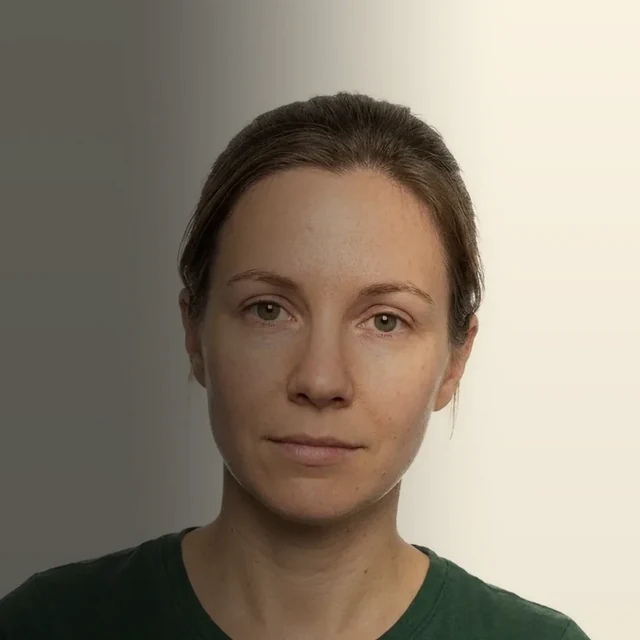 ✕ Rejected
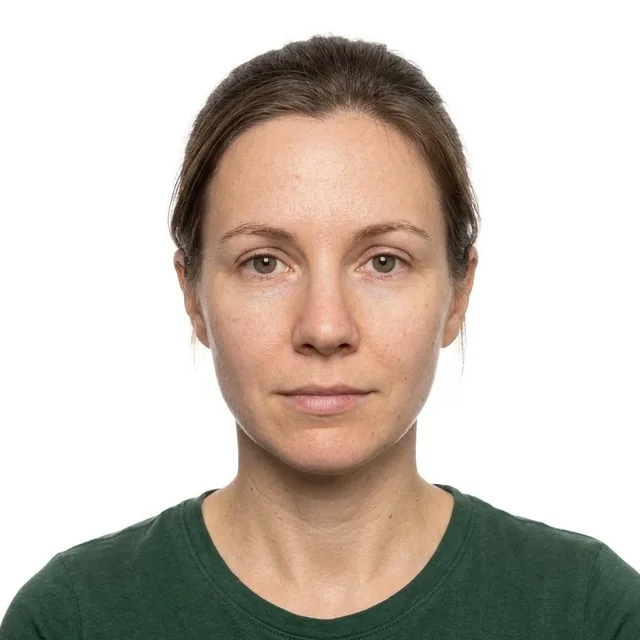 ✓ Approved
Formatted to Official Government Standards
- Choose document
- Add photo
- Pass the checks
- Download
Preview is watermarked until you unlock. Acceptance is decided by the issuing authority and can’t be guaranteed.
New photo after paying? One payment covers one photo, plus a free retake within 30 days if it’s rejected.
Your photo is saved on this device (never uploaded) for 24 hours, so a reload won’t lose it.
Your photo isn’t saved on this device (private browsing, or you deleted it), so download your files before closing the tab.
Canadian passport, PR card and citizenship photos must be printed by a commercial studio, with its stamp and date on the back. A home print sheet isn’t accepted, so none is offered here.
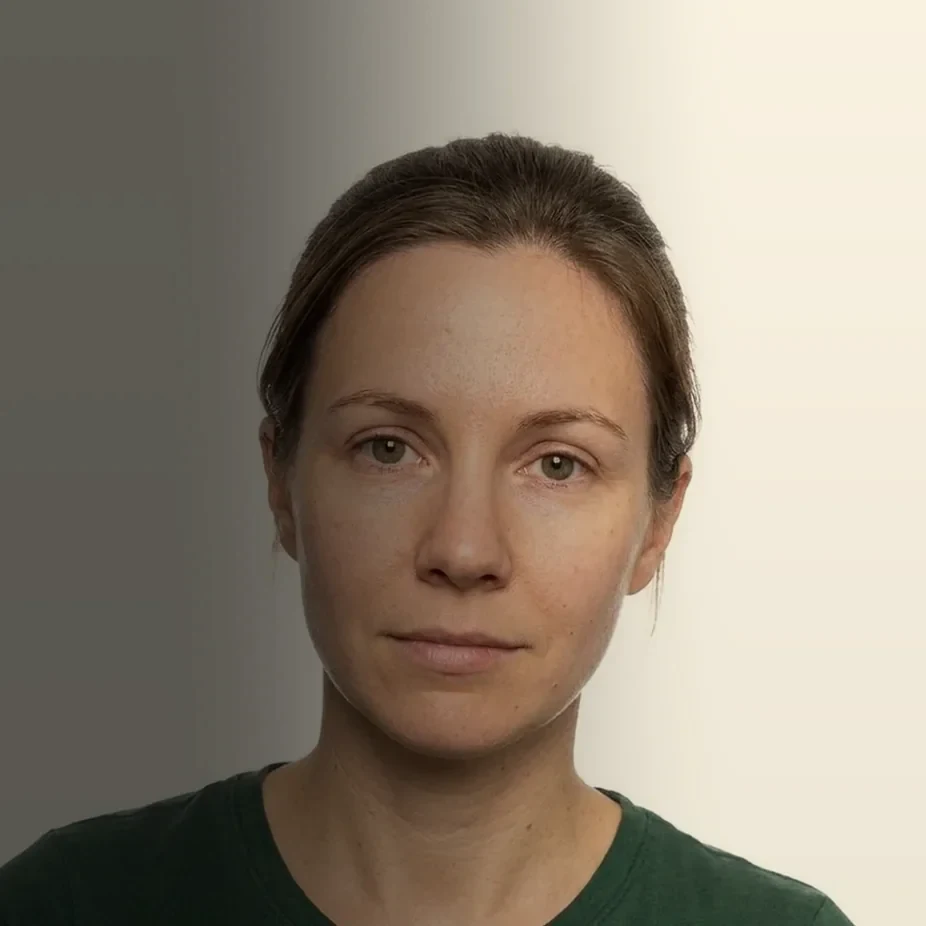
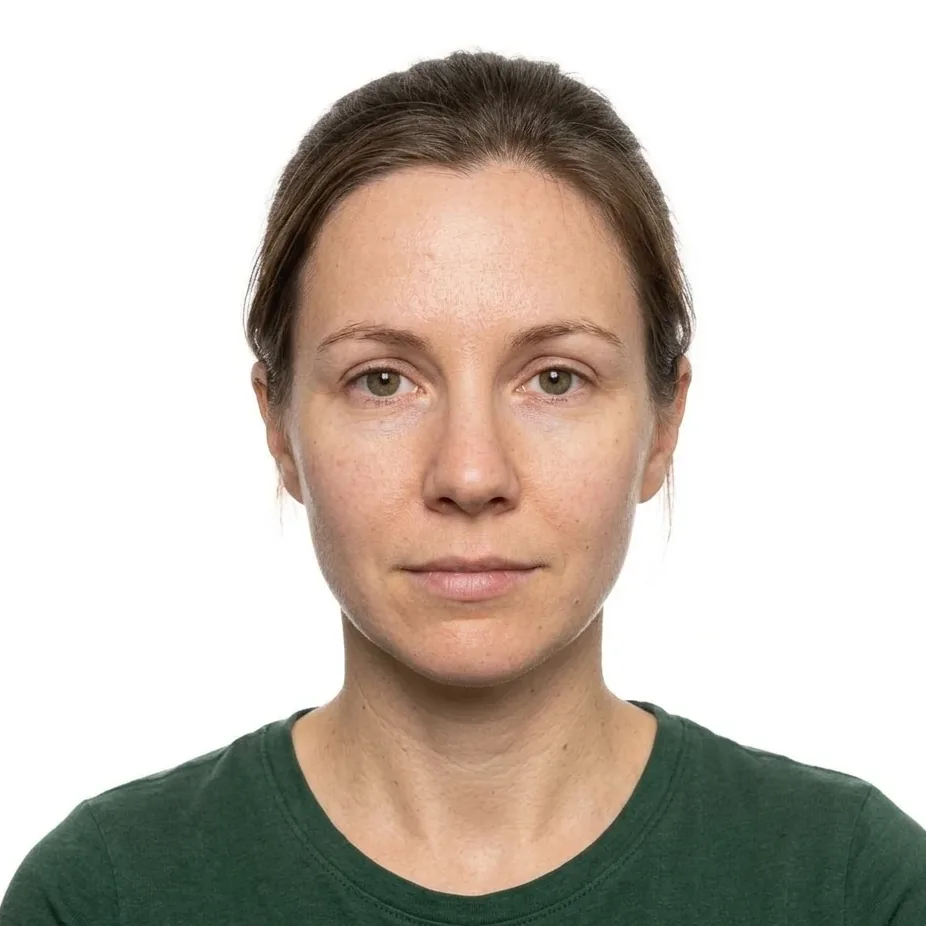 BeforeAfter
Before you shoot
Most rejected photos fail for simple reasons. Get these three right and the checks will mostly pass on the first try.
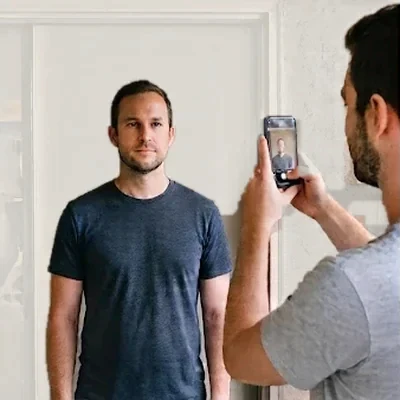
Step back
Stand about 1.5 m (5 ft) from the phone, or have someone else take it. Selfie distance stretches faces, and distance also keeps more pixels for a sharp print.
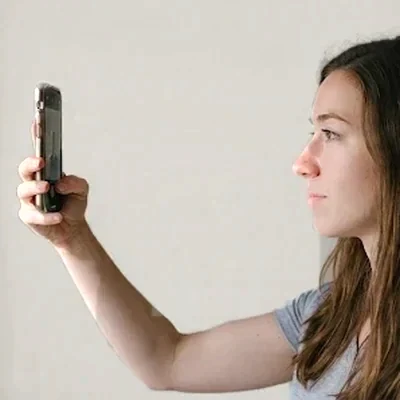
Phone at eye level
Hold the camera level with your eyes and look straight into the lens with a relaxed, neutral expression. Our live camera guide shows an oval to line your head up in, and works best with the front camera. For the sharpest result, flip to the rear camera and use the timer.
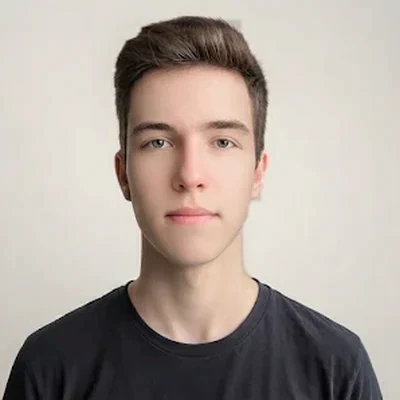
Face the light
Stand in front of a window or a bright light so illumination falls evenly across your face. A plain, light wall behind you helps the background check pass.
How it works
Three steps, usually under a minute.
Add your photo
Choose your document, then take a photo or upload one. The face detector runs right in your browser.
Fix what’s flagged
You get instant feedback on head turn, expression, lighting, background and framing, plus guide lines on the preview.
Unlock and print
Pay $6.99 CAD (approx. $4.99 USD) once to download the exact-size file and a 4×6 in sheet. Re-crop as often as you like, and get one free retake within 30 days if it’s rejected.
Requirements at a glance
The key rules for the document you picked. Always confirm the latest details on the official government page before you apply.
Common reasons photos get rejected
Check these before you upload.

Why people use GlobalIDPhotos
🛡️ Truly private
Detection, cropping and the optional whitening happen on your device. Your face is never uploaded or stored.
💡 See it before you pay
The full check and preview are free. You only pay once your photo passes.
🖨️ Print for pennies
A true-size 4×6 in sheet, ready for a photo kiosk at Walmart, CVS, Walgreens, Shoppers, Costco or Boots.
Questions
Is my photo uploaded anywhere?
No. The detection models download to your browser and run there. If you use “Free retake”, only the email you type is sent, to find your payment. After you pay, your photo is also saved on your own device for 24 hours so an accidental reload doesn’t lose it. It is never sent to us, and you can delete it any time. How your photo stays private
What does $6.99 CAD include?
For your photo: the digital file and, where the agency accepts home prints, the 4×6 in print sheet, with unlimited re-crops and document changes. It also includes one free retake (see below). It’s a one-time payment of $6.99 CAD (approx. $4.99 USD), with no subscription.
What if my photo is rejected?
Every purchase includes one free retake within 30 days of payment. Click “Free retake” in the menu, enter the email you used at checkout, then add your new photo and it unlocks. We verify the email against your payment, and each purchase gets one retake. Your photo is never stored on our servers, so keep your downloaded files. Read the Free Retake Policy
I reloaded or closed the page after paying
No problem. For 24 hours after you pay, reopening this page in the same browser restores your paid photo already unlocked, so you can download it. This only works in the same browser on the same device, and not in private browsing. Your free retake is kept for a rejected photo.
Will my photo be accepted?
We build around published specifications and flag common problems, but the issuing authority decides. We can’t check for glasses glare, head coverings or hair over the eyes, so review those yourself.
Will the file meet an online portal’s size limit?
After you unlock, choose a portal preset or a size cap under “Digital file size”. We compress to the sharpest JPEG that fits and only shrink the pixels if needed. Portals change their limits, so confirm them on the official upload page.
Can I use this for a paper application?
The digital file works for online applications. Some paper applications also need a studio stamp or a guarantor’s signature on printed photos, which a home print can’t provide. Canadian passports, PR cards and citizenship certificates need a studio’s stamp and date on the back, and Australian passports need printed photos signed by a guarantor.
Where do the specifications come from?
For Singapore, Japan, New Zealand, South Korea and Thailand we list only documents whose specifications come directly from the official government or issuing-authority source. Where an official source is missing, incomplete or contradicts another, we don’t offer that document yet. Authorities update their rules, so confirm on the official page before you apply.
What about babies and young children?
Authorities often relax some rules for them, so our strict checks may flag photos that would be accepted. Follow the official guidance for children.